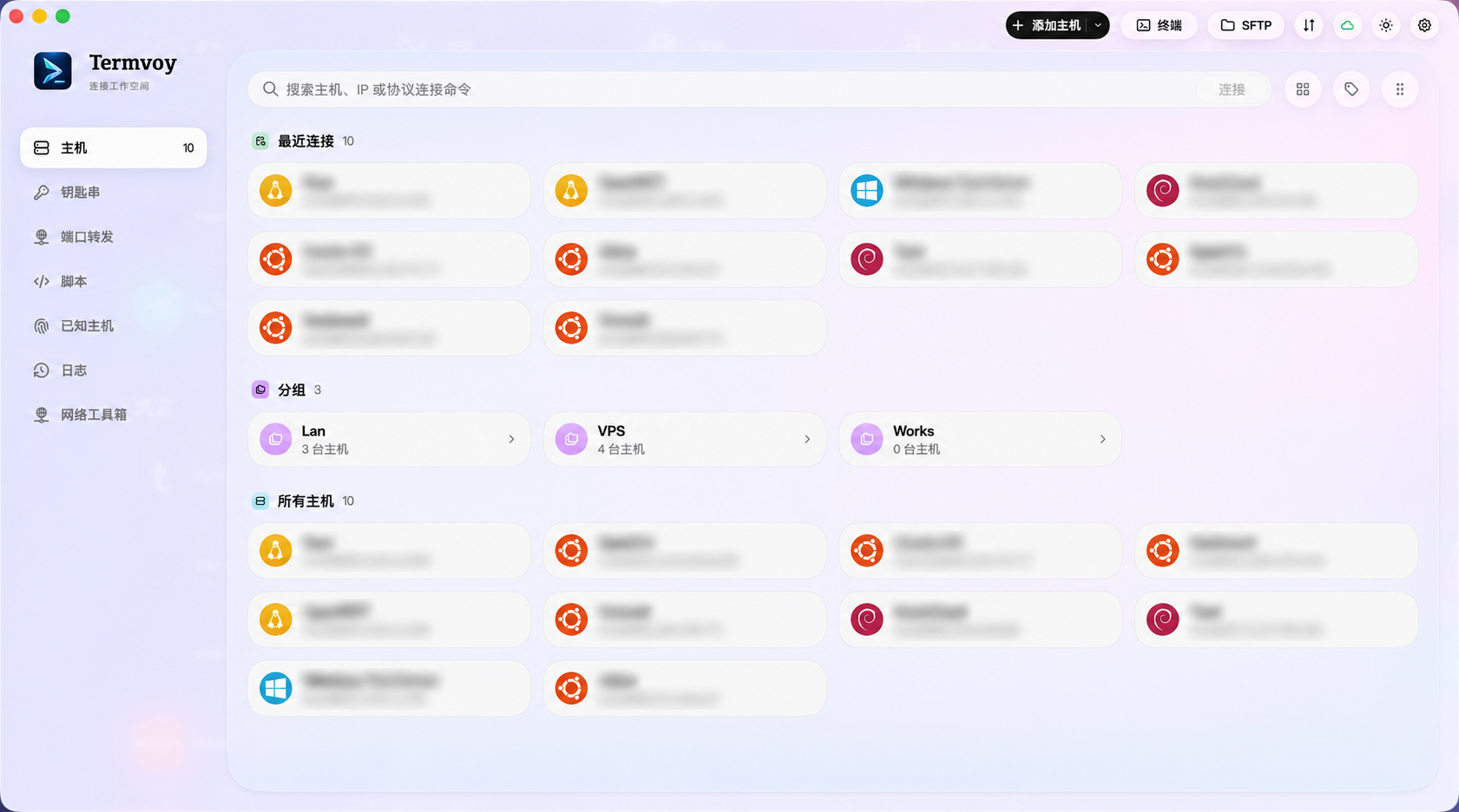
A home for every host
Organize connections with groups, tags and search. Keep the right server within reach.

From terminals to files. From one host to your whole workspace.
Termvoy brings everyday remote work into one native app.
macOS 14+ · Apple silicon & Intel
01 / BUILT FOR YOUR EVERYDAY
Connect, work and transfer without switching apps.
These macOS features include capabilities that require Pro.
Organize connections with groups, tags and search. Keep the right server within reach.
Keep deployments, logs and monitoring side by side with tabs and horizontal or vertical splits.
Browse remote directories and transfer files over SFTP / SCP, with pause, resume and transfer recovery.
Manage keys and identities together. Verify host fingerprints before sending authentication details.
Save frequent commands and use JavaScript scripts and automatic triggers for repetitive steps.
Choose configurations, scripts and session logs to sync, encrypted in your own iCloud account.
02 / TRUST BEFORE CONNECTION
Host configurations stay local; saved passwords and keys are managed in the system Keychain. Confirm fingerprints on first SSH connection. A changed known host key blocks authentication.
See how your data is handled03 / START WITH THE ESSENTIALS
Start with everyday connections, then expand your workspace.
Current prices and available plans appear in the app.
A focused starting point for everyday connections.
For multi-host workflows and the work you do every day.
04 / A FEW THINGS TO KNOW
This page focuses on the macOS app, for Apple silicon and Intel Macs running macOS 14 or later. An iPhone / iPad version is in development, with a different feature set.
SSH and file connections go to the servers or jump hosts you configure. Optional iCloud sync uploads selected encrypted data to your iCloud account; submitted feedback goes to the feedback service.
Subscriptions purchased through the App Store can be changed or cancelled in Apple subscription settings. The app also offers Restore Purchases. See the Terms of Service for details. Read terms ↗
YOUR NEXT CONNECTION STARTS HERE
Find Termvoy on the App Store.
Contact Thinktive Technology Co., Ltd.: 176141251@qq.com
Or use Settings → About → Feedback in the app.